
Speedrist
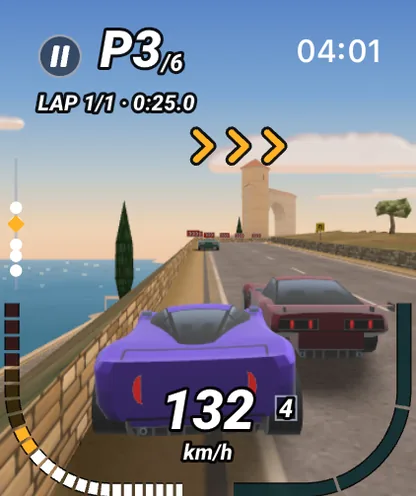
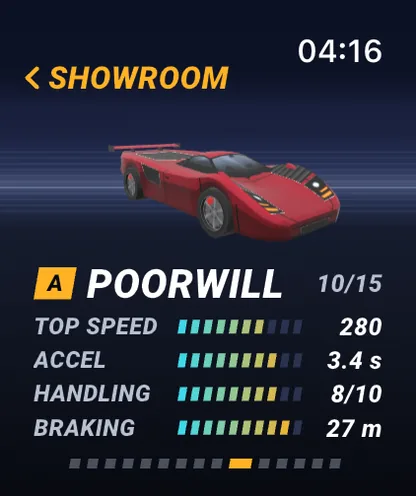
A real-time 3D arcade racer built with flutter_scene, steered with the Digital Crown.
The Flutter engine runs on the Apple Watch itself — your Dart, your widgets, your whole app, running right there on the wrist. Build watch-only apps or companions to an iPhone app, with the Flutter workflow you already know: the same commands, hot reload, and DevTools, now pointed at watchOS.
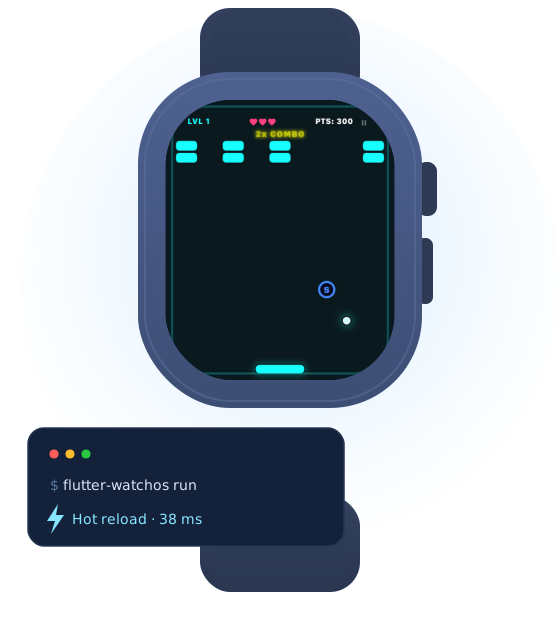
Your Dart and the Flutter engine run on the Apple Watch itself — real widgets and gestures on the wrist, whether you ship a watch-only app or a companion to your iPhone app.
create, run, build, doctor — the same commands you use every day, just pointed at watchOS. Nothing new to learn.
The same fast inner loop and debugging tools you rely on, live on the watchOS Simulator — and flutter-watchos drive runs the integration_test/ suite you already write, there too.
Apps draw with Impeller on Metal — no opt-in, nothing to configure. watchOS declares no Metal framework in its SDK, so this took an engine built against an overlay that supplies the one the watch ships without advertising. An app that would rather rasterise on the CPU can still say so, and the engine falls back on its own if a watch cannot open a Metal device.
Build and run on a paired Apple Watch, not just the Simulator — real widgets, real gestures, real performance. Profile builds run on the device itself; hot reload and debugging stay on the Simulator.
The crown scrolls your lists with the native watch feel, and is there as a raw rotation input when you want to drive a dial, a picker or a whole game with it.
Storage, sensors, location, video, audio and Firebase — watchOS implementations on pub.dev that reach native Swift over dart:ffi. Federated: add one beside the plugin you already use and it registers itself.
flutter-watchos plugin port scaffolds a federated watchOS package from an existing iOS plugin, with a report of how every API it uses fares on the watch. The wiring is done; you write the native part.
watchOS has real platform views. Put a native SwiftUI view in your Flutter layout where the system is the only thing that can do the job — a system video player, a native picker — and plugins can ship their own.
Write a GLSL fragment shader and run it on the wrist at 60fps. watchOS exposes no Metal API and no SwiftUI shader effects, so outside a SpriteKit scene this is not something a native watch app can do — the engine gets there through the same overlay that gives it the GPU. A shader takes a real share of the frame budget, so measure as you go.
Annotate it the way you would anywhere else — Semantics, and everything Material and Cupertino already carries — and the whole tree comes through: labels, traits, reading order, activation, adjustable swipes, and scrolling past the last visible row. Switch Control and XCUITest read the same tree, and the watch's text size reaches MediaQuery.
Clone the toolchain and use it exactly like flutter. The Simulator needs no account. To run on a watch you own and to build for the App Store,
sign in with GitHub — that is all an account takes — and the profile and release engines are yours to download.
In order: install the toolchain, fetch the engine, then build and run your first watch app on the Simulator. The last line signs you in and fetches the engines for a real watch and the App Store.
Full getting-started guide →git clone https://github.com/flutterwatch/flutter-watchos.git
cd flutter-watchos && export PATH="$PWD/bin:$PATH"
flutter-watchos precache && flutter-watchos doctor
flutter-watchos create hello_watch
cd hello_watch && flutter-watchos run
flutter-watchos login && flutter-watchos precacheWatch apps written in Flutter: on the App Store, or open source to build and run yourself.
A real-time 3D arcade racer built with flutter_scene, steered with the Digital Crown.
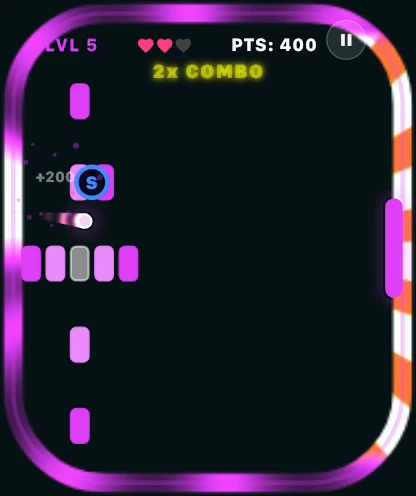
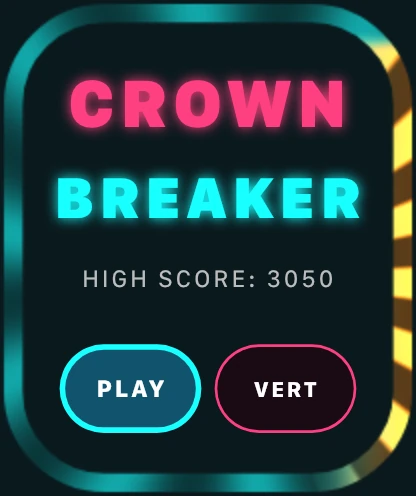
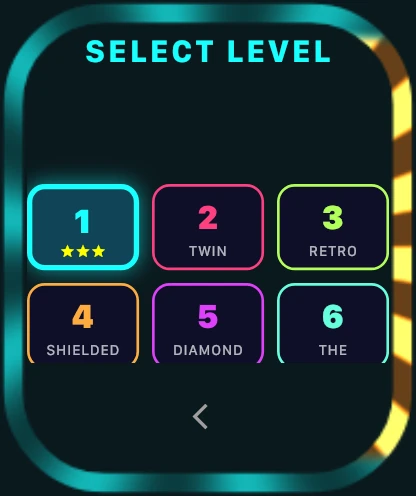
A neon brick-breaker you play entirely with the Digital Crown.
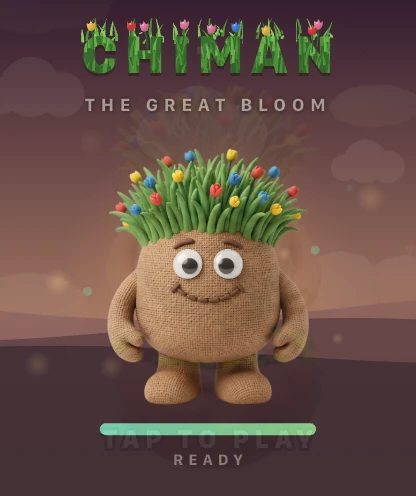


A 3D jumper built with flutter_scene: hold to charge, release on the mark.


gskinner's Flutter showcase, made with the Flutter team, running on the watch from a fork.
Shipping a watch app with flutter-watchos? Tell us through your console and we'll feature it here.
The Simulator needs no account. For a watch you own and for the App Store, sign in with GitHub and the profile and release engines are yours.